 131 81 No Key
Huss Valley Script (Delta Mobile) – K0rdHub: Auto Run, Auto Tackle, Gems
Huss Valley · RobloxDescription
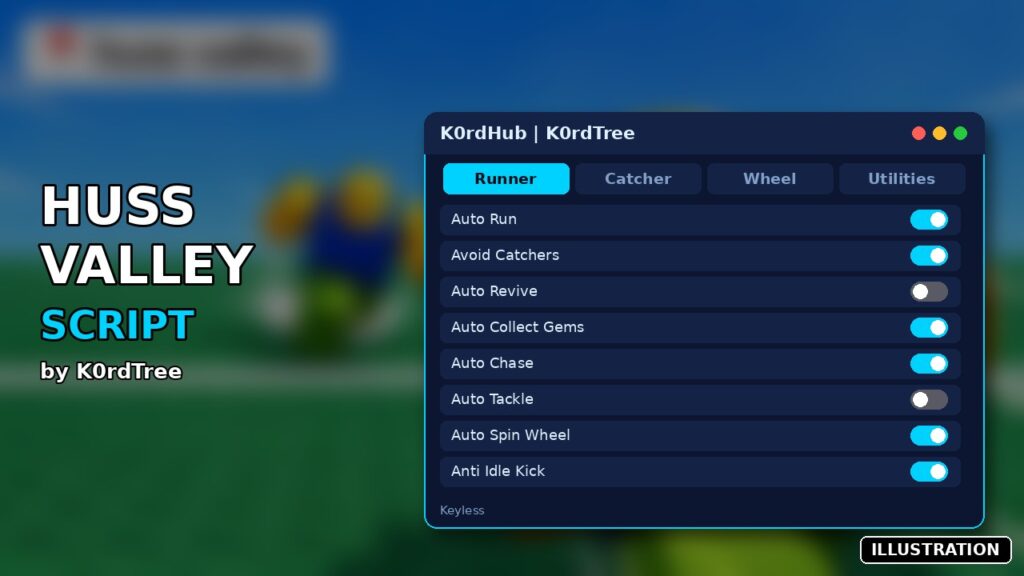
K0rdHub is a Huss Valley script you can run in Delta on Android, iOS or PC. It includes auto run, avoid catchers, auto revive and more. The full source is public in the k0rdhub/scripts GitHub repo, and the menu uses WindUI with separate Runner and Catcher tabs. Created by K0rdTree. No key.
Key Features
- Auto Run between safe zones (Runner)
- Avoid Catchers with adjustable strength
- Auto Revive Players
- Auto Collect Gems
- Emergency Safe Zone
- Auto Chase (Catcher)
- Auto Tackle with Tackle Range
- Auto Melee with Melee Range
- Smart Targeting and Target Prediction
- Catcher Speed Override
- Auto Spin Wheel
- Auto Claim Journey Rewards
- Auto Vote Map
- Anti Idle Kick
- Save and Load Configs
- Rejoin Server
Huss Valley gives you one job per round: cross the field as a Runner, or catch everyone as the Chaser (the menu calls it the Catcher). Get caught and you switch sides. This K0rdHub Huss Valley script by K0rdTree is built around that switch, with a Runner tab and a Catcher tab that each show your current role and state at the top.
Playing as a Runner
Auto Run moves you from safe zone to safe zone while checking for threats and edges. Avoid Catchers predicts where chasers are heading and steers your path around them, and Auto Dash fires your equipped Runner ability just before a collision. If you get pinned, Emergency Safe Zone sends you to the closest safe area. Auto Revive Players goes to downed teammates and does the real hold-to-revive, and by default reviving comes before gem collecting. All of these start switched on. Speed Override is the exception: it’s off, and capped at 2.0x.
Playing as the Catcher
Auto Chase goes after the best Runner it can intercept. With Smart Targeting on, that isn’t just the nearest one. Attack Priority can be Smart, Tackle First or Melee First. Auto Tackle and Auto Melee fire once the predicted position enters range.
| Slider | Default | Range |
|---|---|---|
| Tackle Range | 12 | 5–25 |
| Melee Range | 9 | 3–15 |
| Target Prediction | 0.45 | 0.1–1.0 |
| Avoidance Strength (Runner) | 1.8 | 0.5–2.5 |
Lobby extras
Wheel spins automatically once you have enough credits (a 1–50 threshold, at least 5.5 s between spins). Journey claims unlocked season rewards. Map Vote sends your Map 1, 2 or 3 pick when voting opens. All three are off until you enable them. Utilities adds Show Goal, Show Threats and Show Hitboxes overlays, plus a switch for the game’s own AFK flag.
Setup
No key. The code box runs the open-source file from the k0rdhub/scripts GitHub repo, which then downloads the WindUI library from its latest GitHub release, so the window’s look can change when WindUI updates. RightShift toggles the menu. Configs save in a HussValley folder and can auto-load. The Settings tab also has Rejoin, Anti Idle Kick and Unload. Supported per the listing: Delta on phone or PC, Codex, Fluxus, Arceus X and computer executors.
Huss Valley FAQ
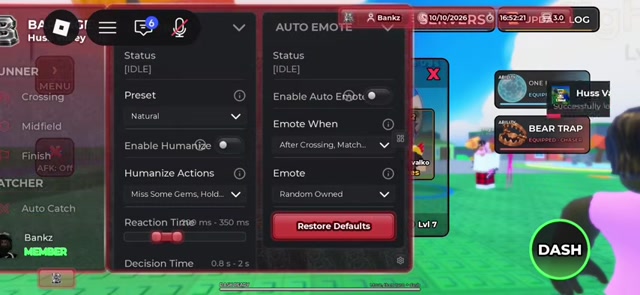
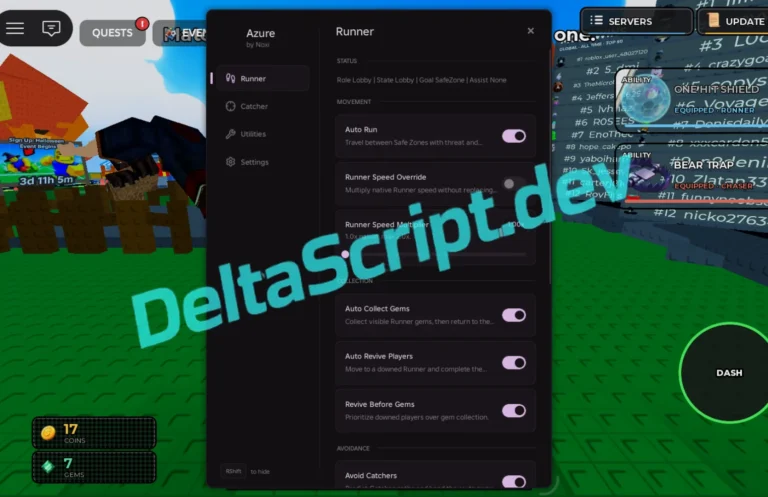
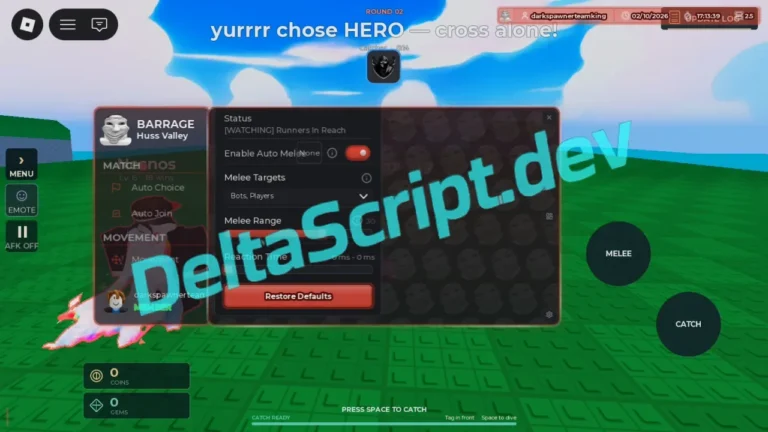
Why pick this over the other Huss Valley scripts here? The game page also lists Zero Hub, Azure, Barrage and Sottoro Hub. K0rdHub is keyless and fully readable, and it’s the one with wheel, journey and map-vote automation.
Can I see what it’s dodging? Yes. Turn on Show Threats under Utilities.
Runner tip: leave Runner Speed Override at 1.0x for your first rounds. Prediction and avoidance are tuned for the game’s normal speed, and a faster runner that overshoots a safe zone is the easiest tackle a Chaser will get.
loadstring(game:HttpGet("https://raw.githubusercontent.com/k0rdhub/scripts/main/huss-valley-keyless-script.lua"))() Game pageHuss Valley · 5 scripts on this siteRoblox ›